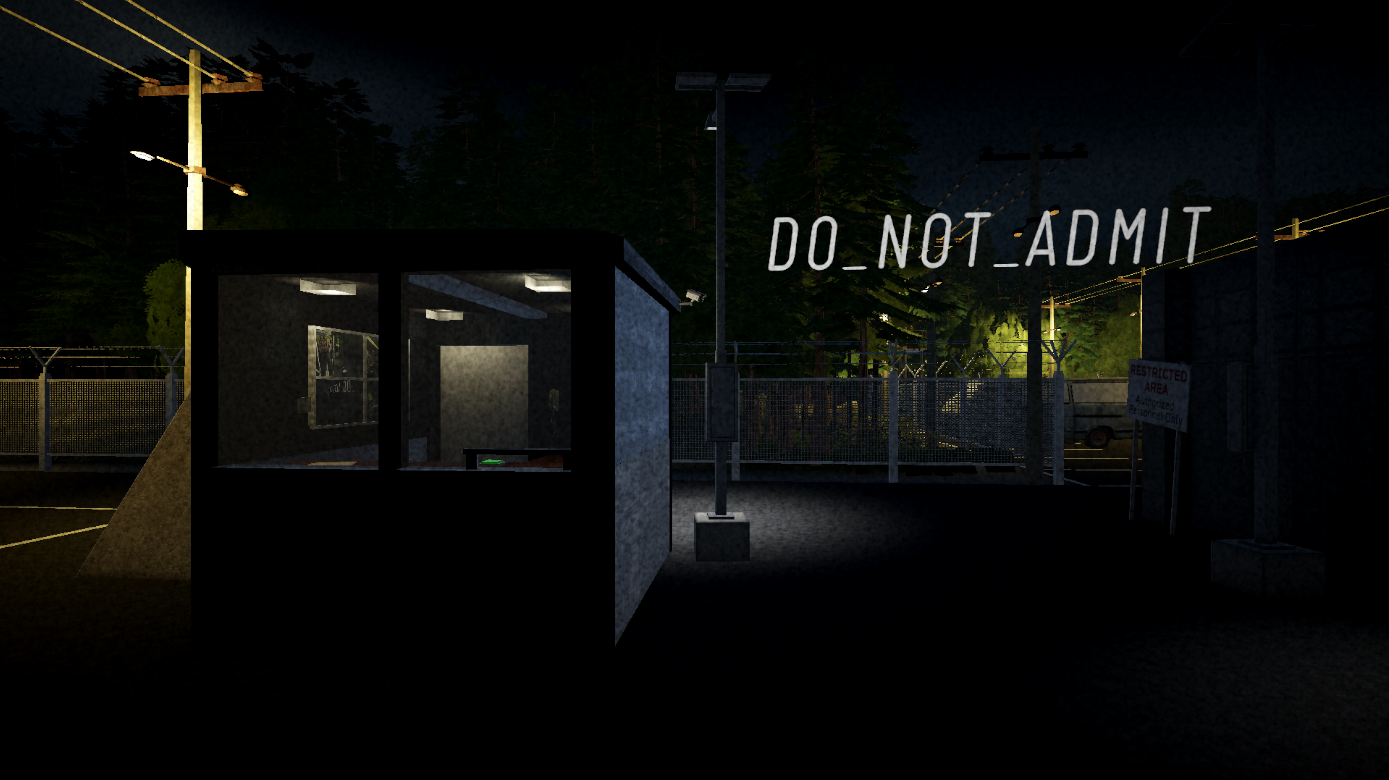
DO_NOT_ADMIT
A downloadable game
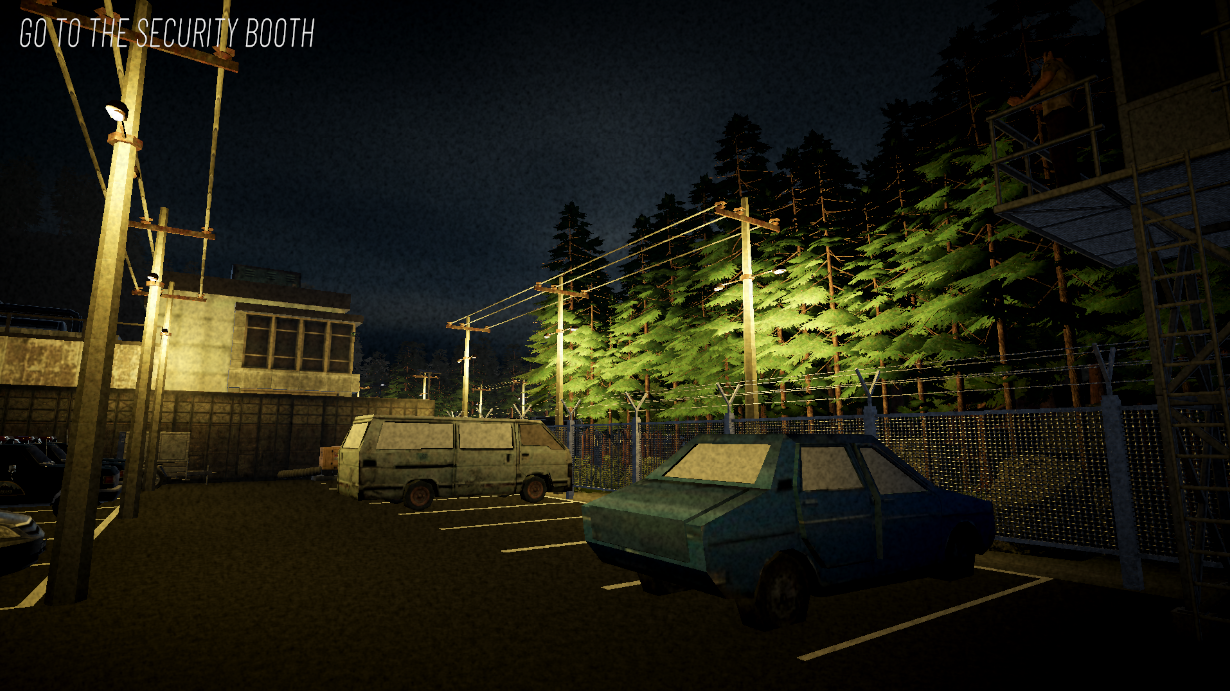
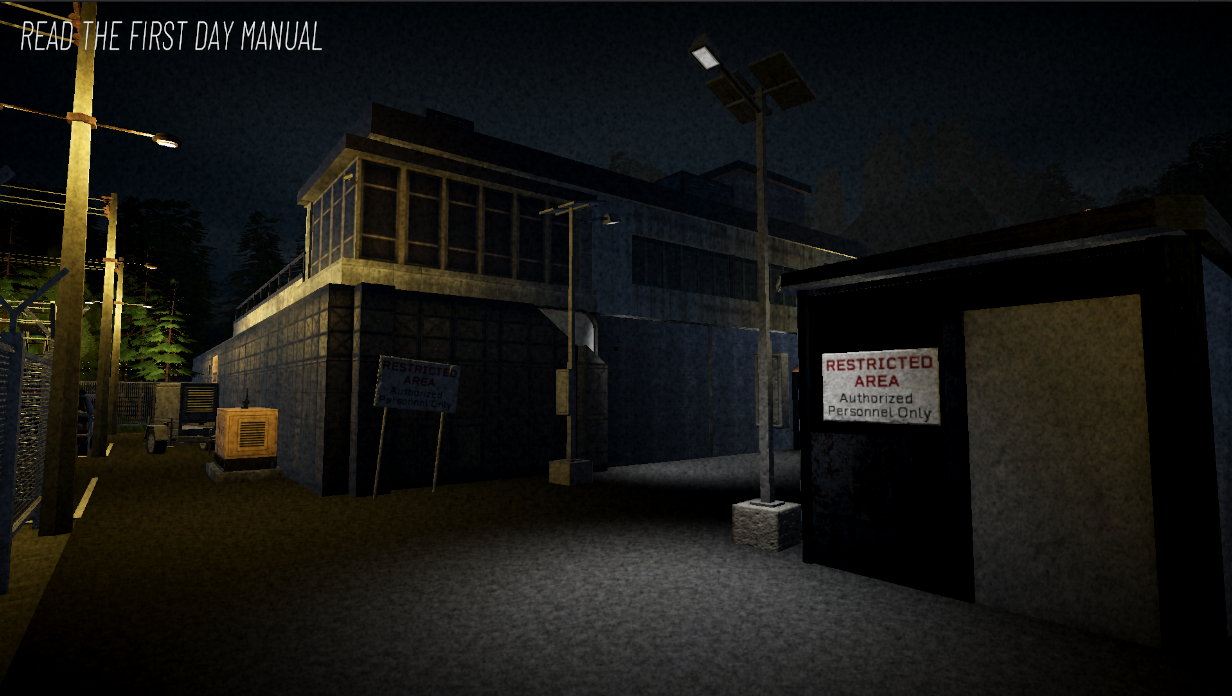
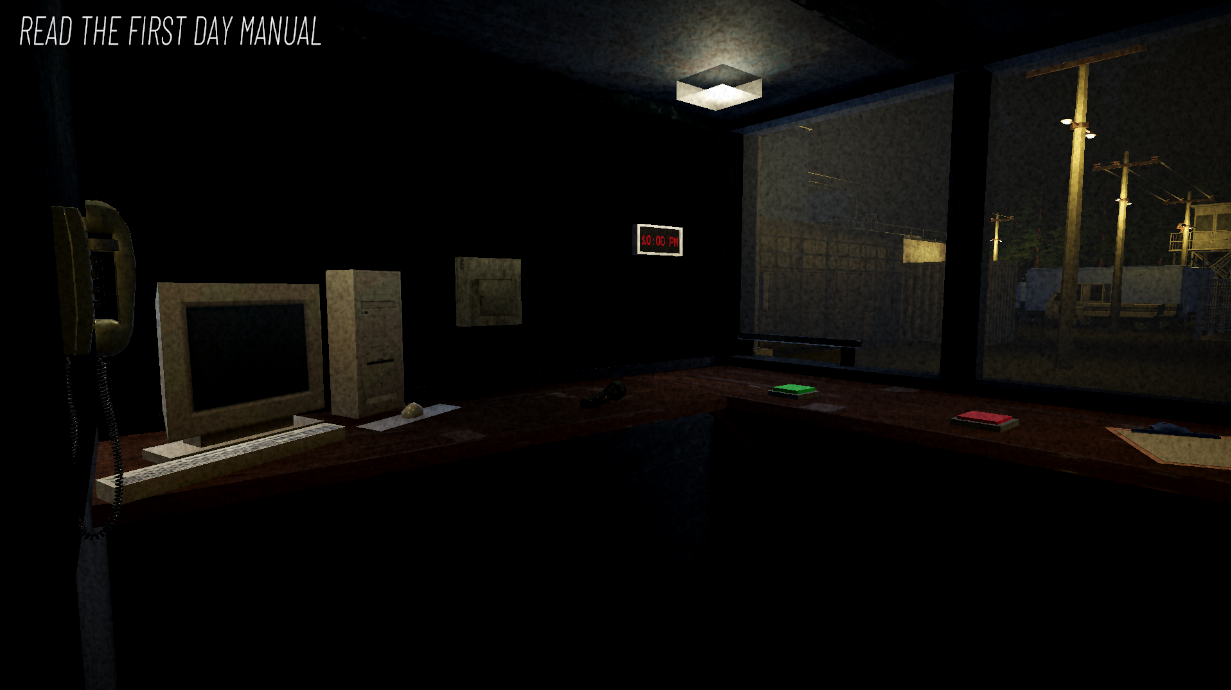
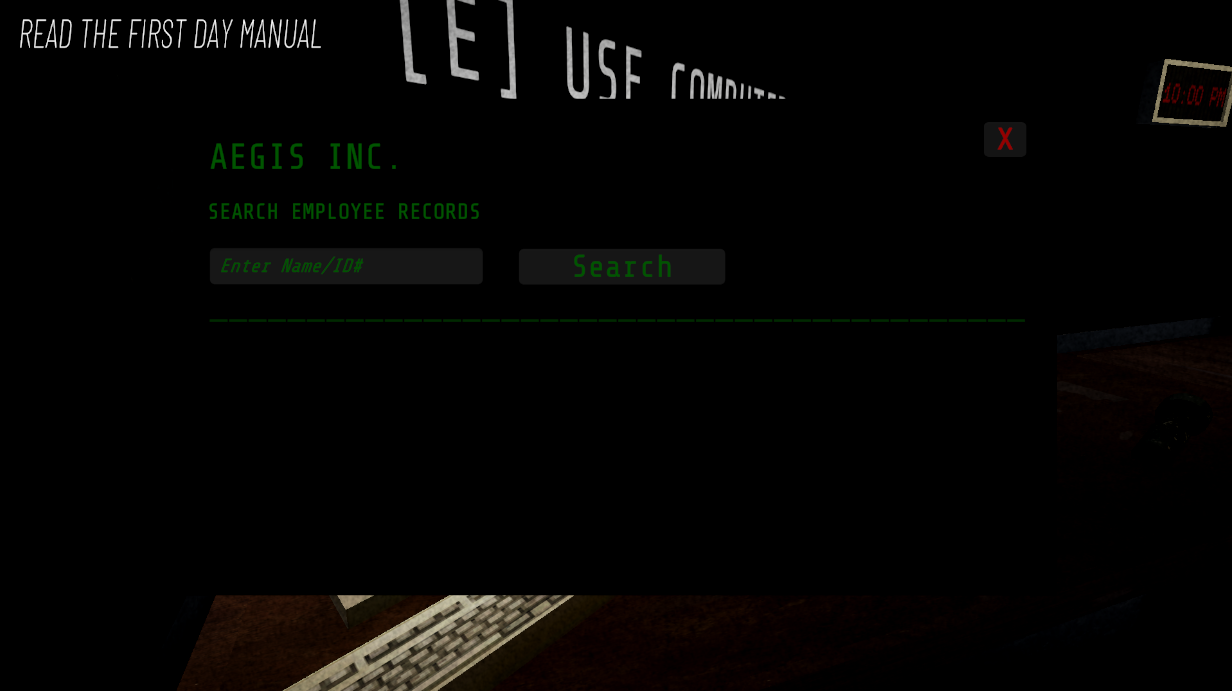
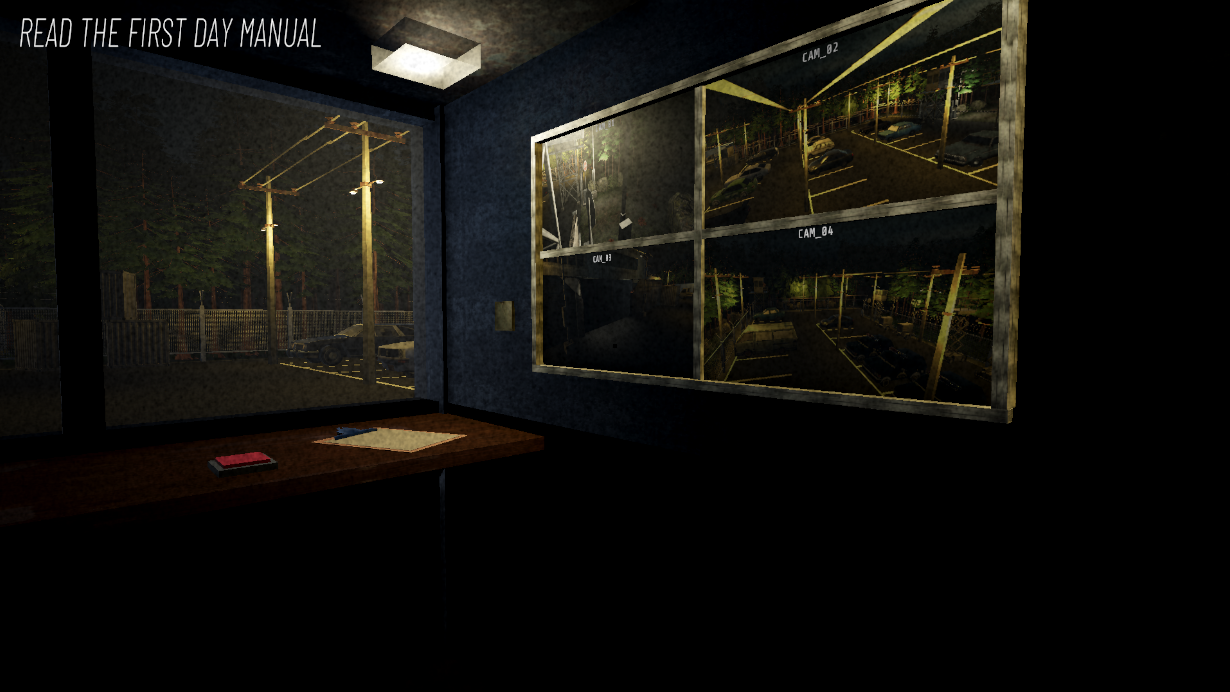
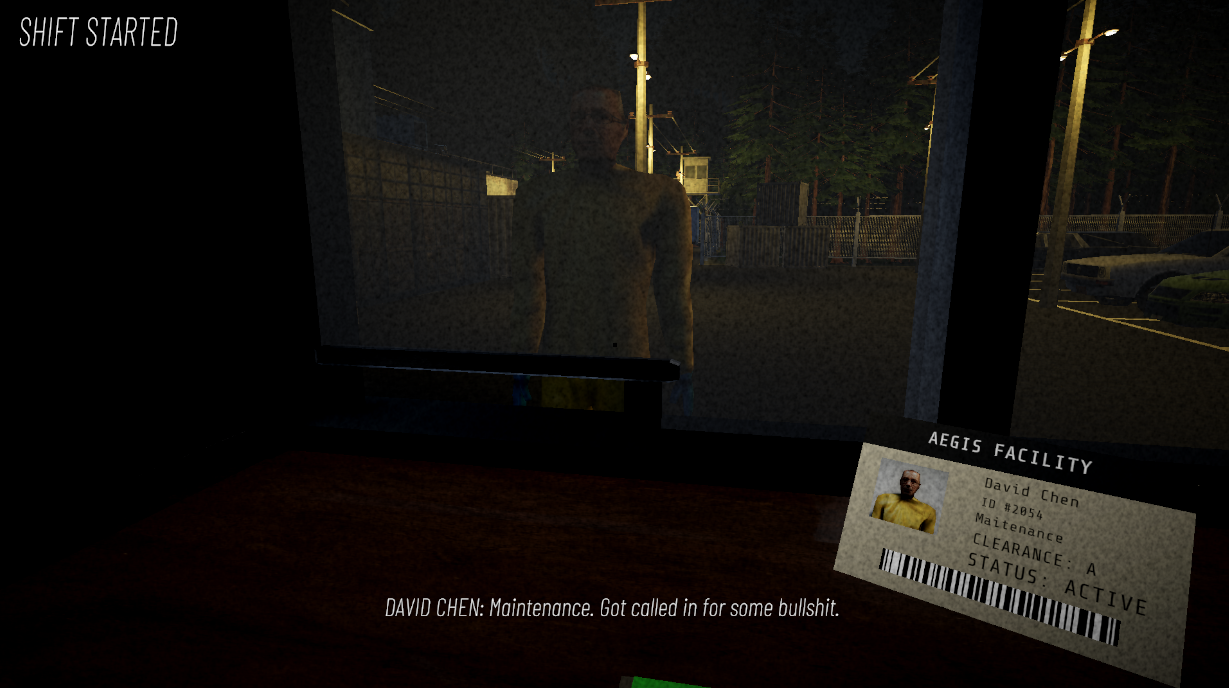
A short Ambience Horror game about working the night shift at a sketchy facility. Your task is to review "employee" information and make sure it is valid. The game has random events that occur throughout the night and it has more than 1 ending...
Download
Install instructions
Windows Installation
- Download the Windows
.zipfile. - Right-click the downloaded file and select Extract All.
- Open the extracted folder.
- Double-click Do Not Admit.exe to launch the game.
- Keep the
.exeand the accompanying game files/folders together. Do not move only the.exeout of the folder.
Windows Security Notice:
Because this is an independently distributed student project, Windows may display a security warning when launching the game for the first time. Windows uses reputation-based security checks for downloaded applications, so new or unsigned applications may be treated as untrusted.
If Windows displays a standard SmartScreen warning and you trust this download, follow the options Windows provides to proceed. Some Windows 11 systems with Smart App Control enabled may completely block unsigned/untrusted applications rather than offering a per-app bypass
macOS Installation
- Download and extract the macOS
.zipfile. - Open the extracted folder and locate Do Not Admit.app.
- Try opening the game normally.
- If macOS blocks the game because it is from an unidentified developer, right-click the app → Open → Open.
- You should only need to do this the first time.
If macOS still refuses to open the game, try downloading/launching it through the itch.io desktop app, which handles macOS app permissions more reliably.
Comments
Log in with itch.io to leave a comment.